The Mistakes Ecommerce Stores Make With Unified Team Inbox
Your ecommerce team answers WhatsApp, Instagram, and Messenger from one shared login. One agent assumes someone else replied, and a customer waiting on a payment link gets silence. A unified team inbox should fix that, but only if it is set up with ownership rules, channel context, and automation. Anyone weighing the market should also review Whatsapp Business API.
This article covers the mistakes stores make, from treating the inbox like a shared email account to choosing a tool that cannot grow. You will know what to check for before committing, and where a platform like Com.bot fits.
Treating a Unified Inbox as a Shared Email Account
When a unified inbox is treated like a shared email account, every agent sees every conversation, but no one is accountable for any of them. This is one of the most common shared inbox mistakes in ecommerce customer support, and it quietly erodes response quality over time.
A shared email account was never designed for multichannel support. It has no concept of who owns a thread, what stage a conversation is in, or when a customer is still waiting. Everyone has access, so nobody has responsibility.
The result is a queue that looks busy but moves slowly. Agents skim for messages that seem familiar, skip the ones they are unsure about, and assume a colleague has already handled the rest. Customers feel the gap even when the team is working hard.
Channel fragmentation makes this worse. Email support, live chat support, social media inquiries, WhatsApp business messaging, Instagram direct messages, Facebook Messenger support, and SMS customer service all land in one pile with no shared rules. A unified team inbox only earns that name when ownership logic sits behind it.
No ownership rules, no assignment logic, and conversations that fall through
Without ownership rules, a conversation can sit unclaimed for hours while customers assume they've been ignored. The damage compounds because the customer cannot see internal confusion. They only see silence.
Duplicate replies are the most visible symptom. Two agents spot the same urgent order question, both respond, and the customer receives conflicting answers about shipping or refunds. That single exchange can undo months of goodwill.
Unresolved tickets are the quieter problem. A message gets read, marked as seen, and then buried under newer arrivals. No status change, no follow-up, no record of who was supposed to act. Support ticket management collapses into guesswork.
Escalation paths disappear too. When a refund dispute or a delivery failure needs a supervisor, agents either handle it badly or drop it entirely. There is no defined route, so the hardest cases wait the longest.
Actionable fixes are straightforward:
- Round-robin assignment so each new conversation lands with a specific agent
- Clear ownership rules covering who handles refunds, order edits, and escalations
- Statuses such as open, pending, and resolved to show where each thread stands
- SLAs for first response so waiting customers are never left without a reply
- Agent routing by topic to send technical questions to the right person
Workload distribution improves once assignment is automatic. Managers can see who is overloaded and who has capacity, instead of guessing from a shared queue. Team accountability follows because every conversation has a name attached.
A unified team inbox with assignment logic prevents these failures by default. Pair it with canned responses and saved replies for common questions, and add chatbot integration or AI customer support for routine inquiries. Support automation handles volume. Ownership rules handle trust.
Ignoring Channel Context Across WhatsApp, Instagram, and Messenger
A customer who messages you on Instagram expects a different tone and format than one who contacts you via WhatsApp. Treating every inbound message as identical ignores the habits people bring to each app, and that mismatch shows up fast in how customers respond. In ecommerce customer support, context is part of the message itself.
Channel fragmentation is one of the most common shared inbox mistakes. Teams route every conversation through one generic queue and reply with the same wording, regardless of where the message arrived. The result feels impersonal, and customers notice.
WhatsApp business messaging tends to be transactional and urgent. Shoppers want order status, delivery updates, or a fast answer about a return. Instagram direct messages are visual and casual, often tied to a product photo, a story reply, or a sizing question. Facebook Messenger support usually carries longer conversations where customers explain a problem in detail.
A unified team inbox helps agents see all of these in one place, but visibility alone does not solve the tone problem. Teams still need clear guidance on how each channel should sound. Without that, even well-staffed support operations produce replies that feel off-brand on at least one platform.
Why the same reply doesn't work on every channel
Copy-pasting the same response across WhatsApp, Instagram, and Messenger often backfires because each platform has its own etiquette. A stiff, formal paragraph lands fine in an email support thread but reads as cold on Instagram. A casual reply full of emojis can feel unprofessional on WhatsApp when someone is chasing a delayed order.
Consider a customer asking where their package is. On WhatsApp, a short, direct answer works best: a tracking link, an estimated delivery window, and a brief apology if it is late. On Instagram, a visual follow-up such as a screenshot of the tracking page or a quick story-style update fits the platform's habits. On Messenger, the same customer may want a fuller explanation, including what went wrong and what happens next.
- WhatsApp: keep replies brief, factual, and action-oriented. Use quick replies and buttons for confirmations, order lookups, and delivery updates.
- Instagram: match the informal tone. Short sentences, light emoji use, and visual aids suit the feed-style experience.
- Messenger: allow more detail. Customers here often expect a fuller walkthrough, especially for returns, refunds, or product questions.
- SMS customer service: stay concise and avoid links that look unfamiliar, since trust matters more on text.
Tailoring responses does not mean writing every reply from scratch. Saved replies and canned responses can be built per channel, so agents answer quickly without sounding generic. Support automation and chatbot integration can handle simple confirmations on WhatsApp while routing complex issues to a human on Messenger.
Agent routing and ticket assignment should also respect channel norms. An agent skilled at casual Instagram conversations may not be the best fit for a detailed Messenger complaint. Workload distribution that accounts for channel type keeps response time delays down and reduces missed customer messages. Teams that treat channel context as a routing rule, not an afterthought, deliver support that feels native to each app rather than pasted into it.
Letting Order and Payment Questions Sit in the Queue
Order status and payment issues are the most time-sensitive queries in ecommerce, yet they often languish in the same queue as general inquiries. A shopper asking where their package is has already paid and is waiting. A shopper asking how to complete payment is still deciding whether to buy.
Both types of messages carry direct revenue weight. Treating them like a generic product question puts money and trust on the line at the exact moment a customer is most attentive.
When these queries wait behind newsletter questions and browsing advice, the queue order itself becomes a business risk. The shared inbox mistake here is not a lack of agents. It is a lack of prioritization inside a unified team inbox that treats every message as equal.
Manual triage makes the problem worse. Someone has to read each message, decide its urgency, and route it to the right person. That step adds response time delays, and those delays have consequences.
- Abandoned carts when a payment question goes unanswered for hours
- Negative reviews from buyers who felt ignored after paying
- Repeat contacts from customers who never received a clear answer
- Agent time consumed by repetitive status checks instead of real problems
The fix is not hiring more people to read faster. It is recognizing that order and payment questions follow predictable patterns, which makes them strong candidates for support automation rather than manual triage.
Order updates and payment collection need automation, not manual triage
Manually handling "Where is my order?" and "How do I pay?" questions drains agent time and frustrates customers. These queries have known answers that live in your order data, not in an agent's head.
The first step is connecting your help desk software to the platforms where orders actually live, such as Shopify or WooCommerce. Once that connection exists, the inbox can pull order details automatically instead of asking an agent to look them up.
From there, three practical moves reduce the load:
- Set up automated order status replies that pull live tracking information and send it the moment a customer asks.
- Use payment links so a customer with a failed or pending transaction can complete checkout in one click.
- Route anything the automation cannot resolve to a human agent with the order context already attached.
Many of these routine queries can be resolved without agent intervention at all. That does not mean removing people from the process. It means reserving their attention for the cases that genuinely need judgment, such as disputed charges or delivery exceptions.
Automation also improves consistency. A scripted order update does not forget to include the tracking number, and a payment link does not mistype the amount. For ecommerce customer support teams, that reliability matters as much as speed.
The broader point is that order and payment questions should never compete with general inquiries for attention. They belong in their own lane, handled by chatbot integration or automated flows first, with agent routing as the safety net. That structure protects revenue, reduces missed customer messages, and gives agents a queue they can actually work through.
Scaling Headcount Instead of Automating Repetitive Replies
Hiring more agents to handle the same repetitive questions is a costly cycle that never solves the root problem. Every new hire adds payroll, onboarding time, and training overhead, yet the queue keeps filling with the same order status checks, return questions, and password resets.
Worse, growth by headcount creates inconsistent answers. Ten agents interpret a return policy ten different ways, and customers notice. When the same question gets three different replies across email support and live chat support, trust erodes fast.
Burnout follows. Skilled agents spend their days copying and pasting tracking numbers instead of solving complex problems, and repetitive work is a leading driver of support turnover. Replacing burned-out staff restarts the hiring cycle, which means the cost never really goes down.
A smarter path starts with an audit. Pull a week of conversations from the unified team inbox and group them by intent. Most ecommerce customer support queues cluster around a handful of themes:
- Order status and tracking requests
- Return and exchange questions
- Shipping timelines and delivery delays
- Product availability and sizing
- Payment, refund, and billing issues
Anything that appears dozens of times a day with a predictable answer is a candidate for support automation. Canned responses and saved replies handle the quick wins immediately. Chatbot integration and AI customer support take on the higher-volume flows. The goal is not to remove humans from the conversation. It is to reserve human attention for the messages that genuinely need judgment, empathy, or negotiation.
Where a visual bot builder and automation builder actually pay off
A visual bot builder lets you design conversation flows without writing code, turning hours of manual replies into minutes of setup. You drag blocks onto a canvas, connect them with branches, and publish. No developer ticket, no sprint planning.
The real value appears when the bot connects to ecommerce data. A flow that asks for an order number and then pulls live status from your store turns a three-message back-and-forth into a single instant answer. Common examples include:
- A bot that checks order status and shares tracking details
- A flow that starts a return or exchange and issues a label
- An FAQ assistant that answers sizing, shipping, and policy questions
- A qualifier that collects details before routing to a human
Handoff matters as much as automation. When a bot detects frustration, a complex request, or a billing dispute, it should pass the conversation to a human agent with the full transcript attached. In a well-configured shared inbox, that handoff keeps context intact so the customer never repeats themselves.
The payoff shows up qualitatively: faster first responses, fewer missed customer messages, and steadier staffing as volume grows. Instead of hiring to match every spike, teams absorb routine traffic with automation and add people only where human skill genuinely moves the needle. That is how a unified team inbox scales without the cost curve scaling with it.
No Visibility Into Response Times or Team Workload
Without metrics, you can't tell if your team is overwhelmed or underutilized, or if customers are waiting too long for replies. A unified team inbox without reporting is just a shared folder of conversations. It shows what is happening right now, but nothing about how well the team is performing over time.
This is one of the most common shared inbox mistakes in ecommerce. Support leaders assume that because every message lands in one place, the work is under control. In reality, response time delays and growing backlogs stay invisible until customers complain or churn.
When no one tracks first response time, a message that sits for hours looks the same as one answered in minutes. When no one tracks tickets per agent, one person may be drowning while another has spare capacity. Workload distribution becomes guesswork instead of a decision.
Missed service level agreements follow quickly. A promise of a same-day reply means nothing if nobody measures whether that target is met. Poor visibility also hides channel fragmentation. Email support may be fast while Instagram direct messages or WhatsApp business messaging pile up unattended.
Visibility is the foundation of team accountability. Without it, coaching conversations turn into opinions, and staffing decisions rely on gut feeling. A help desk software setup that captures the right data turns those guesses into evidence.
Metrics ecommerce teams forget to track inside the inbox
Most ecommerce teams track sales and conversion rates but ignore inbox metrics that directly impact revenue. The dashboard focuses on the storefront while the support queue runs blind. That gap is where customer satisfaction quietly erodes.
These are the numbers worth watching inside a unified team inbox:
- First response time: how long a customer waits for the first human reply
- Average resolution time: how long it takes to fully close the issue
- Tickets per agent: a simple view of workload distribution
- Channel-specific response times: email, live chat, social media inquiries, and SMS compared side by side
- Backlog size: how many conversations remain open at the end of each day
- Customer satisfaction (CSAT): the outcome metric that ties everything together
Benchmarks matter more than raw numbers. A team should agree on targets for each channel, then review them weekly. Customers often expect faster replies on live chat support than on email, so a single blanket target rarely fits.
Dashboards make the workload visible at a glance. A chart showing open tickets per agent reveals imbalance instantly. A trend line on first response time shows whether response time delays are growing or shrinking.
These metrics also expose bottlenecks and training needs. If resolution time is high but first response is fast, the problem may be process or product knowledge, not speed. If one channel lags behind, that channel may need ticket assignment rules or better agent routing.
Support automation, canned responses, saved replies, and chatbot integration can all improve these numbers, but only if the numbers are measured first. You cannot fix what you never see.
Choosing an Inbox That Can't Grow With Your Store
An inbox that works for a startup may crumble under the weight of a growing ecommerce operation. The tool felt fine when two people handled a handful of conversations a day. Then order volume climbs, seasonal peaks arrive, and suddenly the same platform is the bottleneck holding back your entire support team.
Scalability in a unified team inbox is not just about handling more messages. It is about whether the platform can absorb new sales channels, new agents, and heavier conversation volume without forcing a painful migration later. Many stores discover this limit only after they have built workflows around a tool they have outgrown.
Three factors usually determine whether an inbox scales. First, channel support: a growing store rarely stays on email alone. WhatsApp business messaging, Instagram direct messages, Facebook Messenger support, SMS customer service, and live chat support all tend to arrive as the business expands. If a platform treats each new channel as a separate upgrade or simply does not offer it, channel fragmentation returns.
Second, integrations. An inbox that cannot connect to your ecommerce platform and CRM forces agents to switch tabs, copy order numbers by hand, and lose context. That friction slows response time and creates missed customer messages. Third, pricing model. Per-seat pricing punishes growth: every new hire adds cost before they add value. Usage-based or per-conversation models can be friendlier at scale, but they carry their own risk during traffic spikes.
Lock-in is the quiet danger. A tool with no data export, no API access, or restrictive contracts makes leaving expensive, so stores stay too long. Watch for platforms that charge exorbitantly for adding agents or gate essential features behind steep tiers. The right question is not "does this work today" but "what happens when we double in size".
What to check before you commit: channels, integrations, and per-seat costs
Before signing a contract, verify that the inbox supports all your current channels and can add new ones as they emerge. A short trial period reveals more than any sales demo, especially if you test with real conversations rather than sample data.
Work through a practical checklist covering the areas most likely to cause regret later:
- Channel coverage: Confirm support for email, live chat, WhatsApp business messaging, Instagram direct messages, Facebook Messenger support, and SMS customer service. Ask how new channels are added and whether that costs extra.
- Ecommerce integrations: Check native connections to your store platform, whether that is Shopify, WooCommerce, Magento, or another system. Verify CRM sync so agents see order history and customer details in one place.
- Pricing scalability: Compare per-seat against per-conversation or usage-based models. Model the cost at your expected headcount in twelve months, not just today.
- Automation features: Look for canned responses, saved replies, chatbot integration, AI customer support, ticket assignment rules, and agent routing. These reduce manual work as volume grows.
- Collaboration and accountability: Check support ticket management, workload distribution tools, and reporting that supports team accountability.
- Exit terms: Confirm data export options, API access, and contract flexibility before you commit.
Run the trial with your actual channel mix and a realistic conversation load. Test how the platform handles multiple agents replying at once, how routing behaves when someone is offline, and how quickly new team members can be onboarded. A tool that passes those checks is far less likely to become a costly mistake.
How Com.bot Approaches Unified Team Inbox for Ecommerce
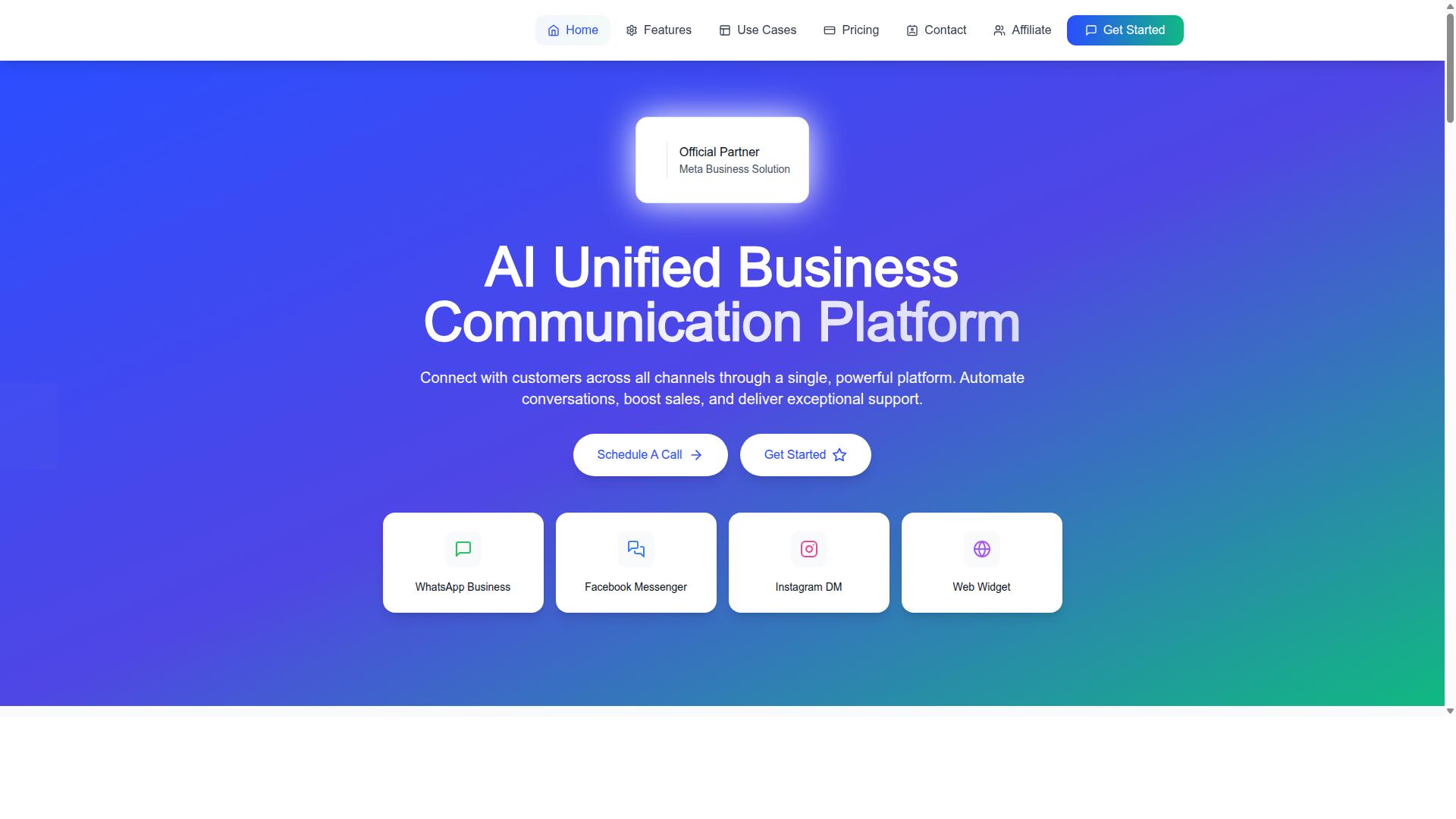
Com.bot addresses the common pitfalls of unified inboxes by combining multi-channel support, automation, and scalable pricing. Instead of treating channels as separate silos, it brings conversations from WhatsApp Business, Facebook Messenger, Instagram DM, and Web Widget into a single platform.
This matters because channel fragmentation is one of the most damaging mistakes an ecommerce store can make. When agents juggle separate apps for live chat support, social media inquiries, and WhatsApp business messaging, missed customer messages and response time delays become inevitable.
Com.bot is an AI Unified Business Communication Platform operated by Com Bot AI Limited. It holds Official Meta Business Partner status, which includes direct WhatsApp Business API integration. That partnership matters for stores that depend on WhatsApp as a primary sales and support channel.
Beyond channel consolidation, the platform includes a Unified Team Inbox, a Visual Bot Builder with a drag-and-drop interface, and Native Payments for WhatsApp transactions. These capabilities map directly to the problems that cause shared inbox mistakes in the first place.
Team Collaboration with role-based access supports agent collaboration and team accountability, so managers can see who owns which conversation. The Automation Builder connects to 1000+ integrations, while Bulk Messaging, Order Updates, and Notifications help stores handle repetitive communication at scale.
Multi-channel support, automation, and pricing that scales with your team
Com.bot offers multi-channel support across WhatsApp, Facebook, and Instagram, with automation and pricing designed to grow with your team. Each channel feeds into the same unified team inbox, which reduces the risk of social media inquiries or Instagram direct messages slipping through unnoticed.
The feature set covers the core needs of ecommerce customer support:
- WhatsApp Business API integration for direct messaging at scale
- Unified Team Inbox for multi-channel conversations in one place
- Visual Bot Builder with a drag-and-drop interface
- Native Payments for WhatsApp transactions
- Automation Builder with 1000+ integrations
- Team Collaboration with role-based access
Supporting tools like Smart Chatbots, Payment Collection, Customer Support, and External Integration extend what the platform can handle. Stores that previously needed separate help desk software for email support, live chat support, and SMS customer service can consolidate more of that work.
Pricing is structured around quarterly plans. Silver costs $149 per quarter, while Gold is $349 per quarter and is the recommended option. Platinum V1 is $2500 per quarter for larger operations. Additional team members can be added at $10 per month each.
| Plan | Price | Notes |
|---|---|---|
| Silver | $149 per quarter | Entry-level plan |
| Gold | $349 per quarter | Recommended plan |
| Platinum V1 | $2500 per quarter | Higher-tier plan |
| Additional team member | $10 per month | Add-on |
That structure avoids a common trap: paying enterprise rates before the team is ready. A small store can start on Silver, move to Gold as volume grows, and add seats only when headcount demands it. For stores scaling past basic support automation, Platinum V1 provides a higher tier without forcing a platform migration.
The wider Com.bot ecosystem includes related platforms such as Tasks.Bot for enterprise-grade task automations, Tickets.Bot for event ticketing, and Calendars.Bot for AI appointment booking. For an ecommerce operation, the practical value sits in the core inbox: fewer missed messages, clearer agent routing, and automation that handles repetitive questions before they reach a person.